
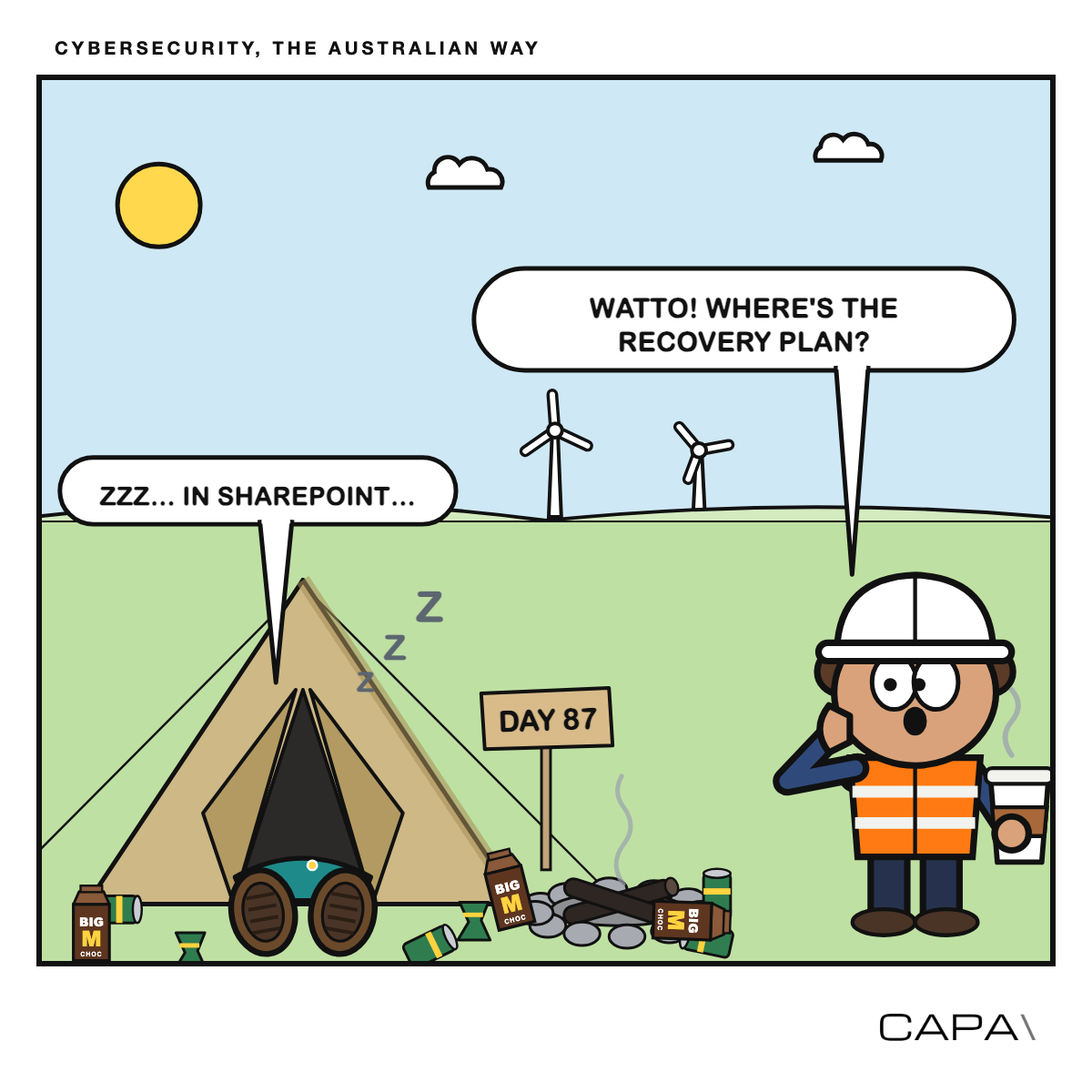
This is the next instalment in our Cybersecurity, the Australian way series. This time: what happens when the internet, or your favourite cloud provider, goes away.
On Thursday night, 12 November, Microsoft 365 fell over. By Friday morning, Outlook, Teams and SharePoint were down for a lot of Australian organisations, government agencies included. Some people couldn’t sign in to other systems because their login codes were sent by email - which was also down. Microsoft says a network change was the cause, not a cyber attack (?) and things were mostly back by Saturday.
A year ago, after the big AWS outage, we asked a number of operators and OEMs what it had meant for the Australian power system. The answer was, roughly, “no-one is really quite sure what the impact was.” So Microsoft has kindly given us another go around!
And it really was a gift. Nobody chose the timing, nobody was trying to make it worse, and it was over in a day or so. Now picture the same thing, except an attacker picked the moment, sat in your network for a few weeks beforehand, and wiped your servers and backups on the way out.
This is the ‘really bad day’ scenario the government has asked critical infrastructure operators to plan for.
What CI Fortify asks for
In October 2025, the Australian Signals Directorate (ASD) published CI Fortify. It’s short and it doesn’t mince words: state-sponsored groups are inside critical infrastructure networks, “possibly to conduct espionage or to pre-position for disruptive and destructive cyber effects in the event of crisis or conflict.”
It boils down to two asks:
- Be able to isolate your vital operational technology (OT) “from the internet, other networks and systems for 3 months while maintaining critical services.”
- Be able to rebuild those systems “completely”, including when “normal business-as-usual backups are unavailable or are no longer trustworthy.”
Three months. Not three hours, not a long weekend.
In July 2026, ASD, the US agency CISA, the FBI and international partners followed up with a how-to guide on the isolation part. The useful bits:
- Do it in stages. The worked example is a fictional electricity company that cuts off remote workers first, then on-site remote access, then every link between corporate IT and OT, then lower-priority links to other utilities, and finally pulls the plug completely. Agree in advance what triggers each step.
- Watch for the hidden plumbing. The things that quietly tie OT to corporate IT are the usual suspects: shared virtual servers and storage, Active Directory, DNS, certificates, time sync and (awkwardly) the backup system. If OT can’t run without them, you can’t isolate it.
- Test the lot at once. Testing one system at a time “may not identify all dependencies.” Also, keep a paper copy of the plan. Somewhere other than SharePoint.
Where SOCI comes in
CI Fortify is advice, not law. But if you own a critical electricity asset, it’s a pretty good picture of what “good” looks like for the bits that are law.
The enhanced risk management rules under SOCI, in force since June 2026, introduce a maximum acceptable outage: how long something critical can be unavailable before your asset is in real trouble. By June 2028 you’ll also need to show you can stop an attacker moving between networks, and recover when they do.
So SOCI asks how long can you afford to be down? CI Fortify gives you a methodology to design, plan and test for these scenarios.
Wipers don’t negotiate
Most backup plans were built with ransomware in mind. Ransomware wants money, so at least there’s a conversation. A wiper doesn’t want anything. Its job is to destroy as much as possible and make recovery slow, so it goes after the backups first.
The classic case is NotPetya at Maersk in 2017. Within hours, the shipping giant lost tens of thousands of computers and thousands of servers, including every domain controller (the servers that hold all the user accounts) bar one. That one was in Ghana and survived because a power cut had knocked it offline. Someone flew the disk to London and they rebuilt from there. Great story, but not a glamorous recovery strategy.
Closer to our patch, the attackers who hit Polish wind and solar farms in late 2025 loaded malicious firmware onto substation controllers and wiped devices, and ESET reported that the wiper was aimed at IT systems needed for recovery.
The lesson: if your backup lives on the same network, on the same platform, and is looked after by the same admin accounts as everything else, it isn’t a backup. It’s just another target.
The box in the other building
The practical answer is a recovery kit: everything you’d need to rebuild your vital systems on clean hardware, kept somewhere an attacker can’t reach from your network.
What goes in the box
- Known-good copies of your control system servers (SCADA, HMIs, historians, engineering workstations).
- Configurations and firmware for the field devices: controllers, protection relays, inverters, switches and firewalls. Note the versions and checksums, so you can tell the good copy from the one someone’s been fiddling with.
- Licence keys and install media. Including for the software that won’t start unless it can phone home.
- Spare hardware that’s hard to get in a hurry.
- The isolation plan, procedures and contact list. On good old-fashion paper.
Where the box lives A different building, ideally a different city. Your disaster recovery site is fine, as long as the box isn’t plugged into it.
How it stays clean Offline, or on storage that can’t be changed or deleted, and never managed with corporate accounts. Updating it should be a deliberate job: connect, copy the approved versions, check them, disconnect. The rule of thumb is 3-2-1-1-0: three copies, two types of media, one offsite, one offline, and zero errors when you test a restore.
The renewables twist A wind or solar portfolio isn’t one plant, it’s dozens of small unattended sites, often from different OEMs. So ask the awkward question: who actually holds your site configurations? Often it’s the manufacturer, in its own cloud. Get a copy for every site and put it in your box. The good news is that turbines and inverters usually keep generating without comms, as Poland showed. Just check that’s still true for yours.
Test it before someone else does
A recovery kit nobody has opened is a theory. Three tests are worth the effort:
- Rebuild something. Once a year, take the kit to spare hardware and restore a vital system from scratch. Time it, then compare that with your maximum acceptable outage. Brace yourself.
- Pull the plug. Work through the staged isolation plan for real, in a planned window, across all vital systems together.
- The Friday night tabletop. Microsoft 365 is gone, corporate IT is gone, the backups are gone and the OEM portal won’t load. Who decides to isolate? How does everyone talk without Teams? Goddammit, where’s the plan???
The usual surprises: licence servers that sulk offline, clocks drifting without internet time, certificates expiring halfway through, and the engineering laptop that needs the vendor’s cloud to start.
Then remember it could be weeks or months. Someone has to run sites by hand on a roster, every operator in the country will be ringing the same handful of vendors and responders at once, and email may not be an option. Agree priority support in your OEM and service contracts now, while it’s a calm conversation.
Two questions for the board
The Microsoft outage was annoying, but cheap. Before the next one, it’s worth asking two plain questions:
If we cut our vital systems off from everything tonight, could we keep our critical OT capabilities running for three months?
And if someone wiped them first, could we rebuild from a box in another building?
If the honest answer is “we’re not sure”, that puts you in good company. It also gives you a pretty good place to start testing.
Sources: ASD’s ACSC, CI Fortify (October 2025); ASD’s ACSC, CISA and partners, CI Fortify: Advice for isolating vital systems (July 2026); Enhanced CIRMP Rules 2026; Microsoft 365 incident MO1550821 (12–14 November 2026).